

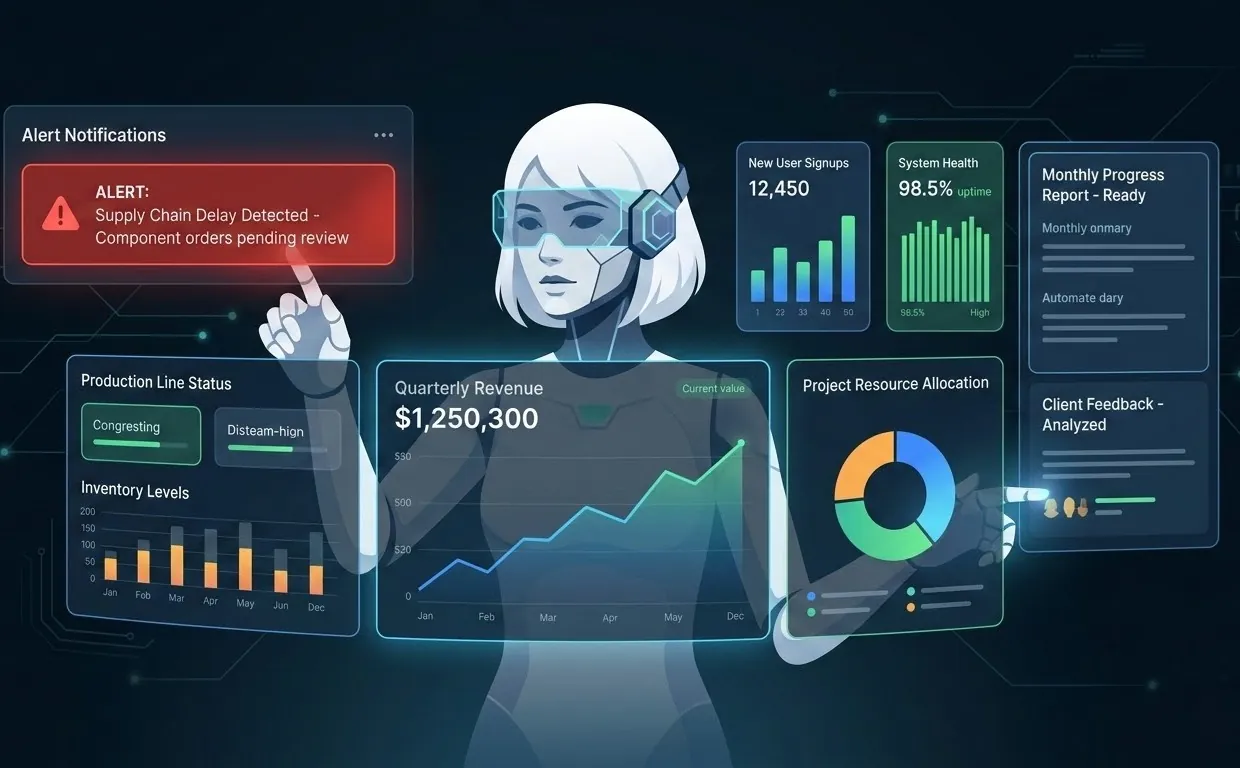
Quick answer: Claude Code isn't just a coding tool, it's a general-purpose agent you can point at real business tasks. In one to two hours, most companies can wire it up as a "junior operations assistant" that handles beginner-level busywork: watching forums and communities for relevant threads, drafting LinkedIn comments and outreach messages for a human to approve, running structured searches, and compiling short reports. It won't replace a hire. It will absorb the repetitive first draft of one, if you set it up with the right guardrails.
Every team has a list of small, recurring tasks nobody wants to own: scanning forums for mentions of your product, drafting a LinkedIn comment on a prospect's post, searching for a competitor's latest pricing page, building a first-pass list of leads from public sources. None of it is hard. All of it eats an afternoon. Claude Code, run as an agent against real tools instead of just a chat window, can take a meaningful slice of this off your plate, and the setup genuinely fits into a two-hour block.
What "beginner-level operations" actually means here
Think of the tasks you'd hand a sharp intern on day one, with clear instructions and no discretion to make judgment calls: find things, summarize things, draft things. That's the right scope for a first Claude Code ops agent. Concretely:
- Research and monitoring: tracking forum threads, news, or competitor pages for a defined set of keywords.
- First-draft writing: a reply to a forum question, a comment on a LinkedIn post, an outreach message, written for a human to edit and send, not to post itself.
- Structured data collection: turning a list of public company names into a spreadsheet of firmographic details.
- Reporting: a daily or weekly digest of what the agent found, in your inbox, instead of you checking five tabs.
What it's deliberately not scoped for: anything that publishes, posts, likes, or clicks on someone else's platform without a person reviewing it first. More on why that line matters below.
The two-hour build, hour by hour
This is roughly how the setup goes for a first agent, assuming someone on your team is already comfortable with Claude Code for engineering work:
- Minutes 0-20: Pick one task, not five. The single biggest reason these projects stall is scope creep on day one. Choose the narrowest useful task (e.g., "summarize new posts in these three subreddits that mention our category") and write it down as a one-paragraph brief.
- Minutes 20-50: Give the agent tools, not just a prompt. Wire up the specific access it needs, a search tool, a read-only API key, an MCP connector to the systems in scope, and nothing more. Least-privilege access is what makes an agent that can go wrong safe to run.
- Minutes 50-80: Write the brief as a reusable prompt or slash command. Turn the one-off instruction into a saved command so the same task runs consistently tomorrow, not just once today.
- Minutes 80-100: Add the approval gate. Anything the agent drafts that would go out publicly (a comment, a reply, a message) lands in a queue, a shared doc, a Slack channel, an email draft, for a human to approve, edit, or discard. The agent never has posting credentials for public platforms.
- Minutes 100-120: Run it, read the output, tighten the brief. The first run always surfaces something the instructions didn't cover. Fix the brief, not the output, that's what makes it reusable next week.
7 beginner-ops tasks worth automating first
- Forum and community monitoring. Scan target subreddits, forums, or Q&A sites for threads mentioning your category, and summarize them into a daily digest with links.
- Draft replies and comments for review. When the agent finds a relevant thread or LinkedIn post, it drafts a helpful, non-salesy reply, which a real person then reviews, edits, and posts under their own name.
- Competitor and market scans. Pull public pricing pages, changelogs, or job postings on a schedule and flag what changed since last time.
- Lead list building from public sources. Turn a target list (industry, region, company size) into a structured spreadsheet with public firmographic and contact details for a sales rep to work.
- Meeting notes and follow-up drafts. Turn a call transcript into action items and a draft follow-up email, ready for a human to send.
- Internal documentation Q&A. Point it at your internal wiki or docs so new hires and support staff get instant, sourced answers instead of pinging a Slack channel.
- First-line support triage. Categorize incoming tickets by topic and urgency, and draft a first response for an agent to check before sending.
The one rule that keeps this from becoming spam
It's tempting to go one step further and have the agent post the comment, send the connection request, or like the post itself, fully hands-off. Don't. Most platforms, including LinkedIn and the majority of forums, explicitly prohibit automated posting, liking, and engagement in their terms of service, and enforce it with account bans. Beyond the platform-risk argument, fully automated engagement reads as inauthentic to the people on the other end, which is exactly the outcome you're trying to avoid when the whole point is building credibility.
The fix is structural, not a policy you have to remember: give the agent research and drafting tools, and withhold posting credentials entirely. A person approves and publishes everything that reaches another human. This also happens to be the direction regulation is heading, we cover the EU AI Act transparency requirements for AI-assisted content elsewhere on this blog, and "a human approved this before it went out" is the cleanest way to stay ahead of that obligation rather than scrambling to retrofit it later.
What this costs, realistically
The setup time is genuinely one to two hours for someone who already uses Claude Code day to day, most of it is deciding scope and wiring up read access, not writing code. Ongoing token cost for a beginner-ops agent running a few times a day is typically low relative to the time it saves, since the tasks in this list are short, well-scoped runs rather than long autonomous sessions. If you're also running larger agentic workloads, it's worth reading our take on cutting enterprise AI costs so a fleet of small agents like this one doesn't quietly turn into a large bill. And if you want to see this pattern applied to a full function rather than one task, our post on AI agent trends as real workflows walks through how the same building blocks scale into production AI agents.
Frequently asked questions
Can Claude Code actually post on LinkedIn or forums by itself?
Technically, if you wire up the right access, yes, but we'd advise against it. Most platforms prohibit automated posting and engagement in their terms of service, and it reads as inauthentic. The safer, and still fast, pattern is to let the agent draft and a human publish.
Do I need a developer to set this up?
Someone comfortable with Claude Code and basic API keys can do it, that's usually one person on a technical team, not a dedicated engineering project. The two-hour estimate assumes that baseline familiarity.
What's the realistic first task to automate?
Pick something narrow with a clear, checkable output: a daily digest of forum mentions, or draft replies to a fixed set of recurring questions. Avoid starting with anything customer-facing or irreversible.
How is this different from just using ChatGPT or Claude in a browser?
A chat window answers one question at a time and forgets it tomorrow. An agent with tools and a saved brief runs on a schedule, uses real data sources, and produces the same structured output every time, that repeatability is what turns it into an operations process instead of a one-off query.
Does this replace hiring a junior ops person?
No, it absorbs the repetitive first draft of that role (research, monitoring, first-pass writing) so the humans on your team spend their time on judgment calls, relationships, and anything that shouldn't go out unreviewed.
Want help setting this up properly?
Buinsoft is a Prague-based AI and software consultancy. We help companies design agent workflows like this one with the right access boundaries, approval gates, and cost guardrails built in from the start, not bolted on after something goes wrong.
→ Write to us at info@buinsoft.com or use the contact form, we'll help you scope a first agent that's genuinely useful in its first week.
Details current as of July 8, 2026. Always review a platform's current terms of service before connecting any automated tool to it.